Widgets
AppearanceWidgets
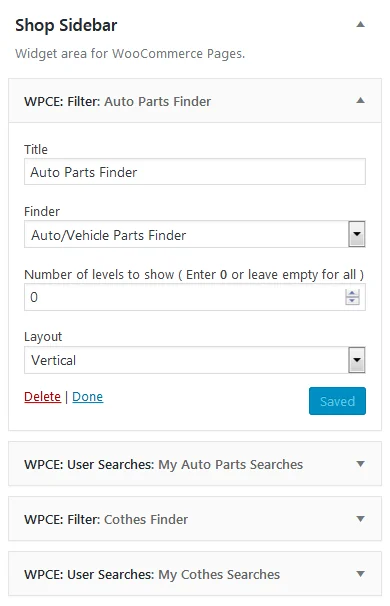
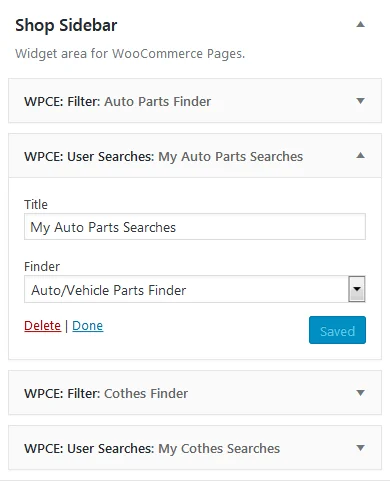
WidgetWhat it shows
- WPCE: Filter
- The search form itself. Choose which finder it belongs to, how many levels to show, and whether it runs horizontally or vertically.
- WPCE: User Searches
- The customer’s recent and saved searches for a finder. Requires history & saved searches to be enabled on that finder.
Shortcodes
Find each finder’s ID on the Manage Finders screen.
Search form
Attributewpce-filter
- finder
- ID of the finder to display. Required.
- levels
- How many dropdowns to show. Leave it out to show all of them.
- layout
hfor horizontal,vfor vertical.
Recent and saved searches
Attributewpce-user-searches
- finder
- ID of the finder whose searches to list. Required.
Compatibility list for a product
Attributewpce-product-tab-terms
- finder
- ID of the finder to list terms from. Required.
- product
- ID of the product. Optional, because on a product page it uses the current product.